Security & privacy
This page summarises the security and privacy controls built into the app. For the full legal text, see the Privacy Notice.
What the app protects
- Your sign-in session is encrypted at rest on your device, in the platform secure enclave (iOS Keychain or the Android Keystore-backed
EncryptedSharedPreferences). The app never stores your sign-in code, and there is no separate in-app password to steal. - Your report data is fetched from Panthera's servers each time the app needs to display it; it is not stored long-term on your device beyond what is required for the current screen.
- Saved PDFs (from the Downloads screen) are written to the device's Documents (iOS) / Downloads (Android) folder. They are deliberately excluded from iCloud / device cloud backup, so they do not propagate to other devices.
- Lock screen on resume. If you chose Keep me signed in, the app locks itself with your device's PIN / biometrics whenever it is opened from cold or returned to after a couple of minutes in the background. Anyone else picking up your device cannot see your reports without your unlock method.
- The app switcher is protected. To keep your portfolio off shared surfaces, the app hides its contents in the phone's recent-apps / app-switcher view (you see a blank or blurred card instead of your report). You can still take normal screenshots inside the app if you want to — but for sharing a report we recommend the Download PDF option, which gives you the official document.
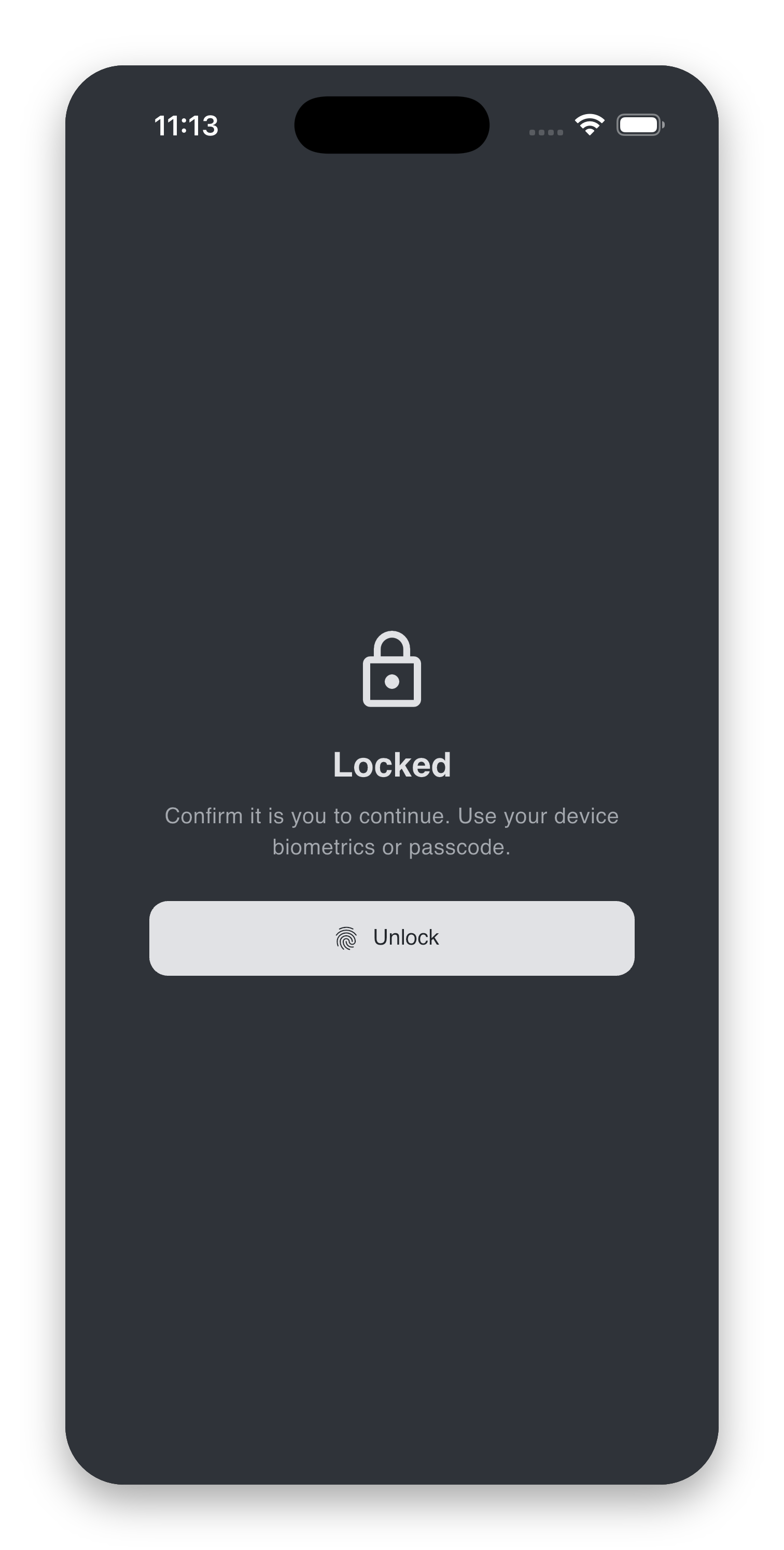
If you chose "Sign in each time" instead
The lock screen does not apply — your session is wiped on exit, so the next launch goes straight to the email-code sign-in. You can switch behaviours any time in Settings → On Exit → Keep me signed in.
What we collect
In plain English, the app collects:
- The registered email address you use to sign in, and basic sign-in metadata.
- Your name and the client accounts Panthera has granted you access to.
- Crash / error reports, automatically scrubbed of emails, tokens, identifiers and IP address before they leave your device. These are used for reliability only — not analytics.
We do not collect: advertising identifiers, your location, your contacts, photos, microphone or camera data. The app contains no third-party advertising or analytics SDKs.
The Privacy Notice describes this in full.
Where your data goes
The app talks to a small number of services on Panthera's behalf:
| Service | What it does | Region |
|---|---|---|
| Supabase | Hosting, authentication, database, encrypted file storage | United Kingdom — AWS eu-west-2 (London) |
| Sentry | Crash / error monitoring (PII-scrubbed, not analytics) | EU — Frankfurt, Germany |
The list of sub-processors is also disclosed in section 5 of the Privacy Notice.
Your rights
You may at any time:
- Ask what personal data Panthera holds about you.
- Ask Panthera to correct inaccurate data.
- Delete your account — see Settings → Danger Zone for the in-app path or the Delete your account web page.
- Lodge a complaint with your local supervisory authority. The Privacy Notice lists the relevant regulators for Singapore, the UK and Canada.
Requests of any of the above should be emailed to Panthera's Data Protection Officer at it@pantherafo.com.
If you suspect unauthorised access
If you think someone else may have accessed your account — for example, you see sign-in activity you did not initiate, or your email inbox has been compromised — please:
- Sign out everywhere (Settings → Account → Sign out everywhere).
- Secure the email inbox associated with your account (change its password, enable 2FA).
- Email it@pantherafo.com so we can review the account activity from our side.
Because the app uses one-time codes (no in-app password) and binds caching to your device's own PIN / biometrics, an attacker who does not have access to both your email and your unlocked device cannot reach your reports.